
Custom clothing, made and printed in Bali
Choose your garment, fabric and printing. Design it online and see your price before you order.
Where do you want to start?
Make your own garments
Choose the style, fabric and colour - we cut, sew and print them in our factory.
See the garments →Print on your own garments
Already have shirts, bags or uniforms? Bring them and we print them - from 1 piece.
Print on yours →Just see the price
Have your logo already? The printing, the size and how many - the price at once, nothing to fill in.
Price calculator →Not sure yet?
Send us a photo, a sketch or just your idea - we tell you what works best and what it costs.
Ask us on WhatsApp →How it works
Choose a garment
T-shirts, polos, singlets, dresses, hoodies - in the fabric and colour you like.
Add your design
Your logo, words or photo, front, back and sleeves - or start from one of our designs.
See the price
The price for your number of shirts, at once - the more shirts, the lower the price each.
Order on WhatsApp
We check everything with you, print it in our factory and deliver or you pick up.
Our garments
All 42 garments →Cut and sewn in our own factory, so you choose the fabric, the colour and the fit.


Ready-made designs
All designs →For clubs, holidays, parties and businesses. Pick one, change the words, and order it on any garment.
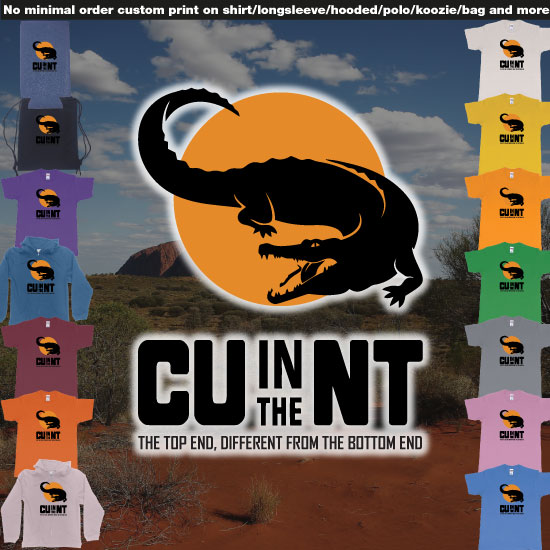 CU in the NT Northern Territory Australia Crocodile Custom on demand print
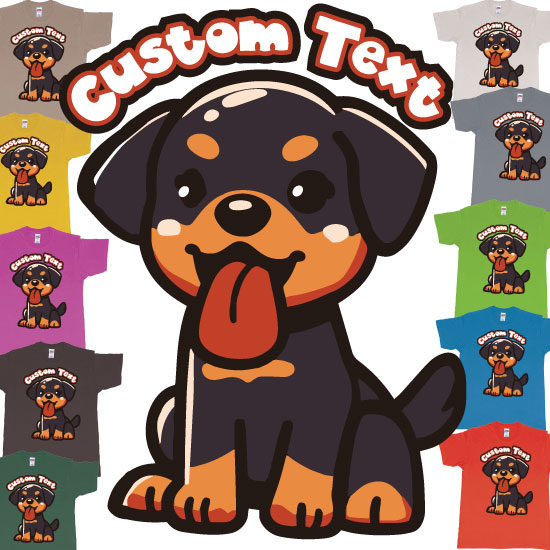 Yuki Rottweiler Bali Dog Custom Text
 Sexy Lips Licking Lolipop Own Suger Daddy Text
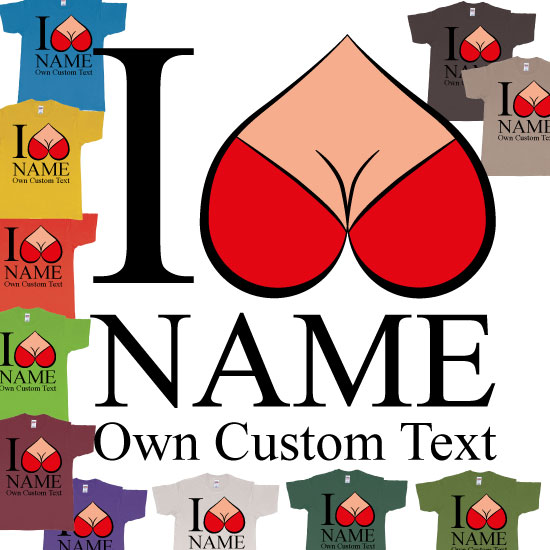 I Reversed Heart Boobs Custom Text Design Print
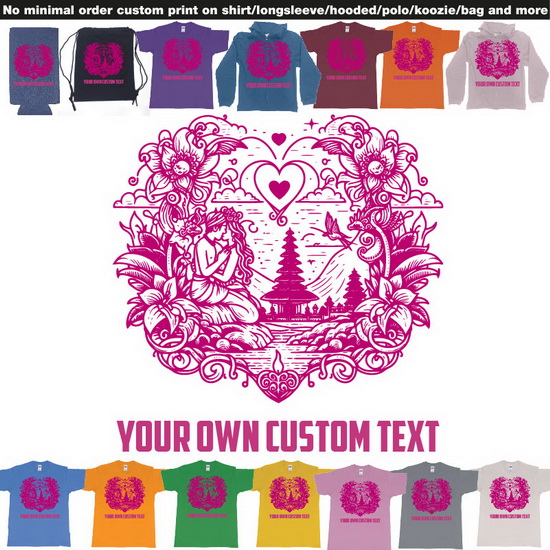 Happy Valentines Day Bali On Demand Printing Add Own Design
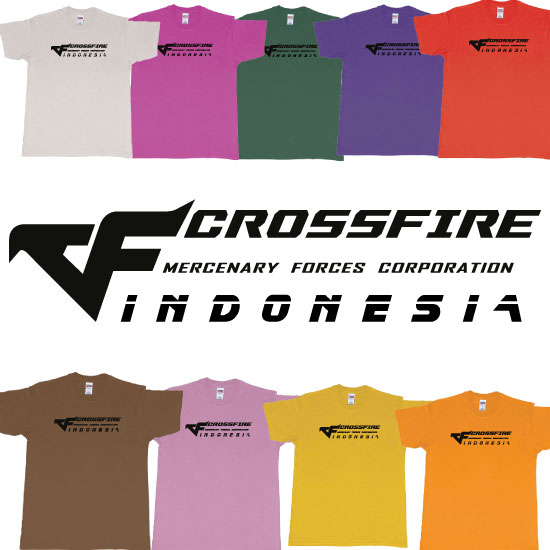 CFINDO Crossfire Indonesia Custom Tshirt Kaos Bali
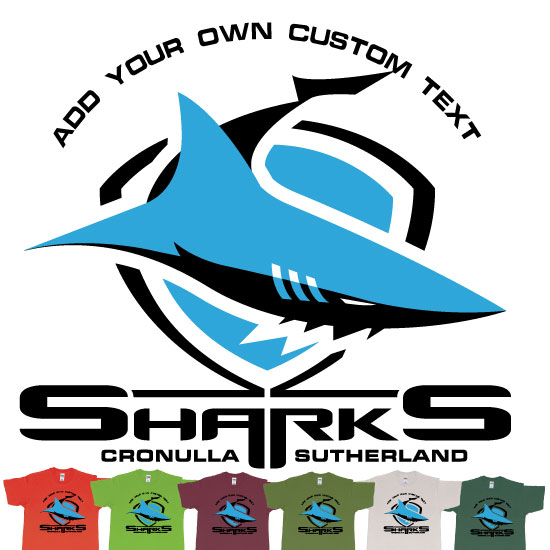 Sharks Cronulla Sutherland Shire Southern Sydney New South Wales
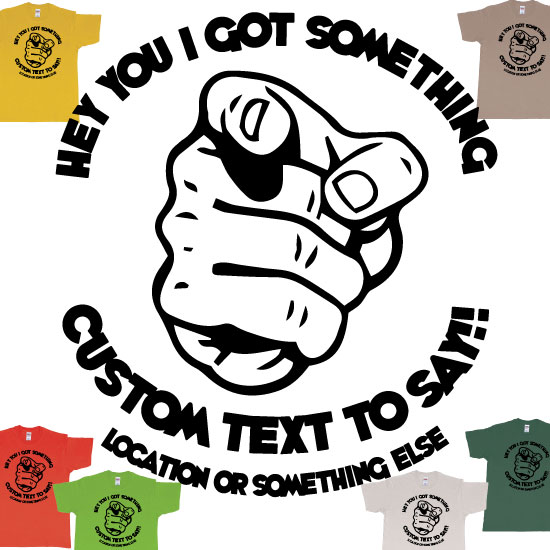 Finger Pointing At You With Custom Text To Say
Free design tools
All our tools →Free, in your browser - and from each one, straight onto a shirt.
How we print
About printing →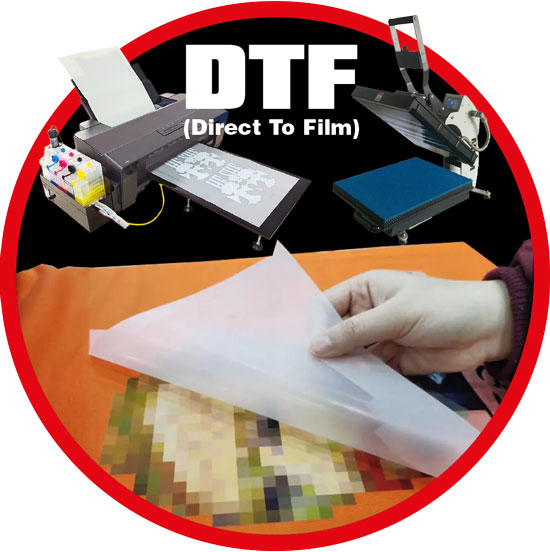 Direct To Film
Direct To Film on t-shirts and garments in Bali: what it is best for, and what it costs.Vinyl Printing
Vinyl Printing on t-shirts and garments in Bali: what it is best for, and what it costs.
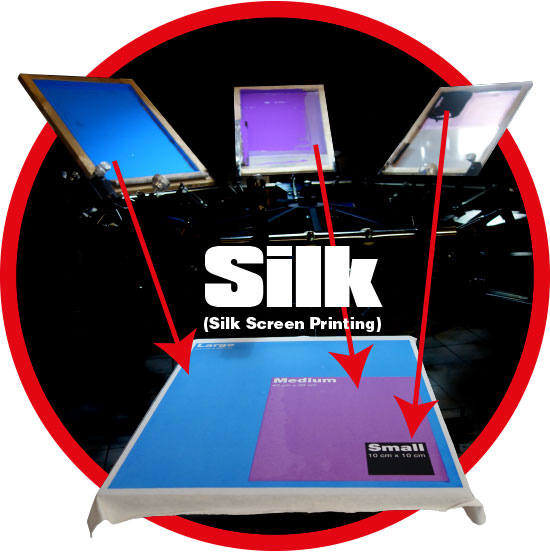 Silk Screen Printing
Silk Screen Printing on t-shirts and garments in Bali: what it is best for, and what it costs.
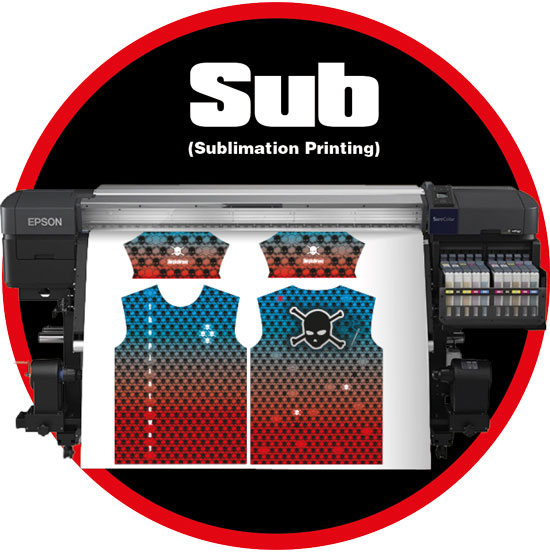 Sublimation Printing
Sublimation Printing on t-shirts and garments in Bali: what it is best for, and what it costs.
Our own factory
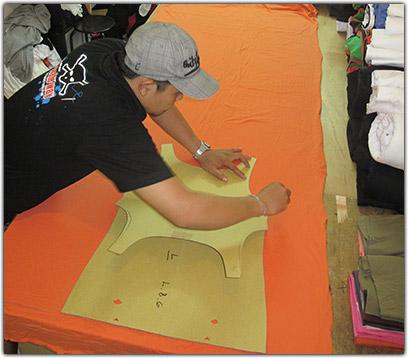
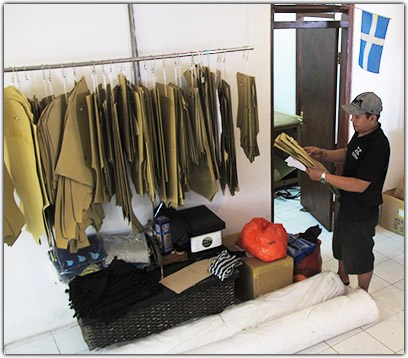
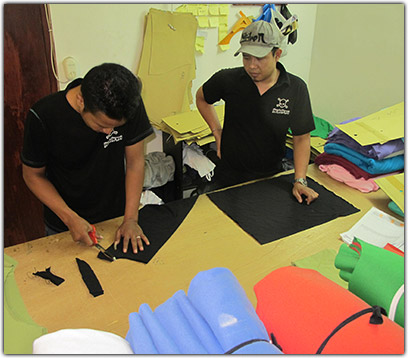
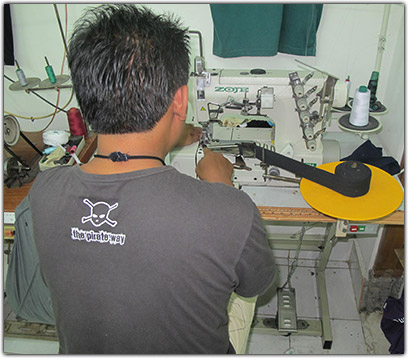
Everything is made under one roof in Bali: we cut the fabric, sew the garments and print them ourselves.
- Prints almost anywhere on a garment, even across a seam
- Small orders and big ones, and reorders of the same design any time
- You talk to the people who make your shirts
Delivery, paying and more
Before you order: our guides
All guides and questions →Straight answers from the people who print your shirts - and from each one, straight to the right garment or tool.
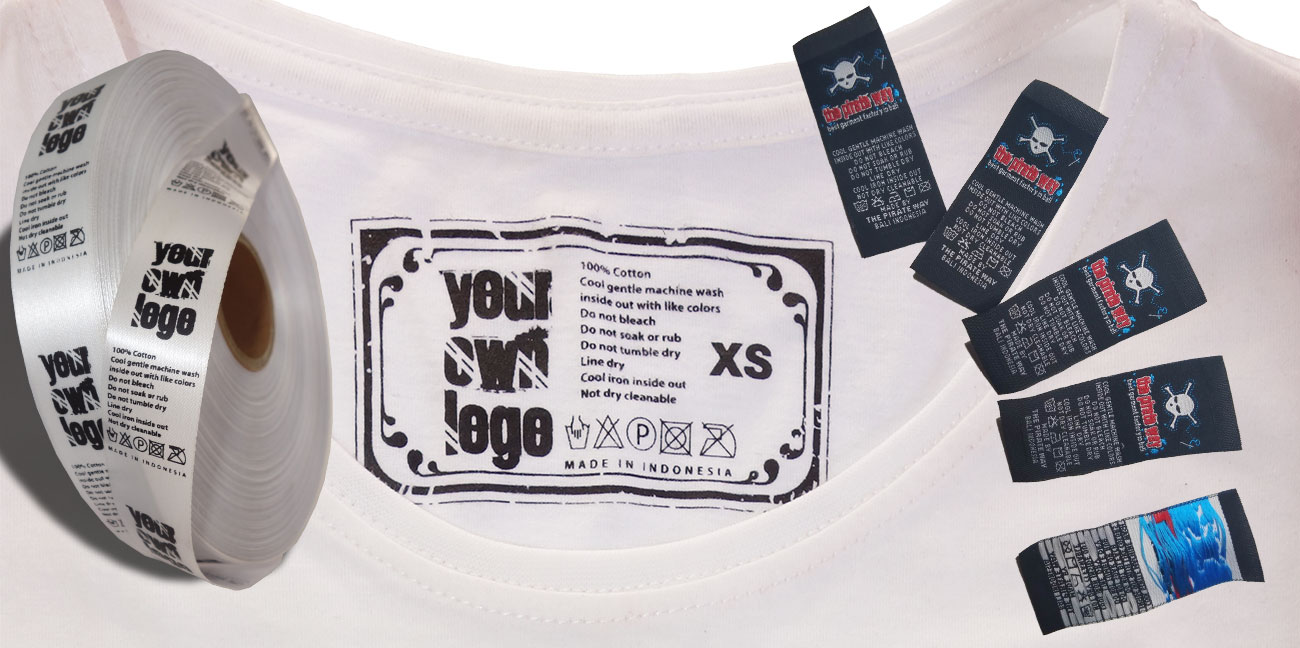 Have your own custom label on your garmentsYour own label in the neck, on the hem or on the sleeve: printed, printed silk or woven - what each costs and how long it takes.
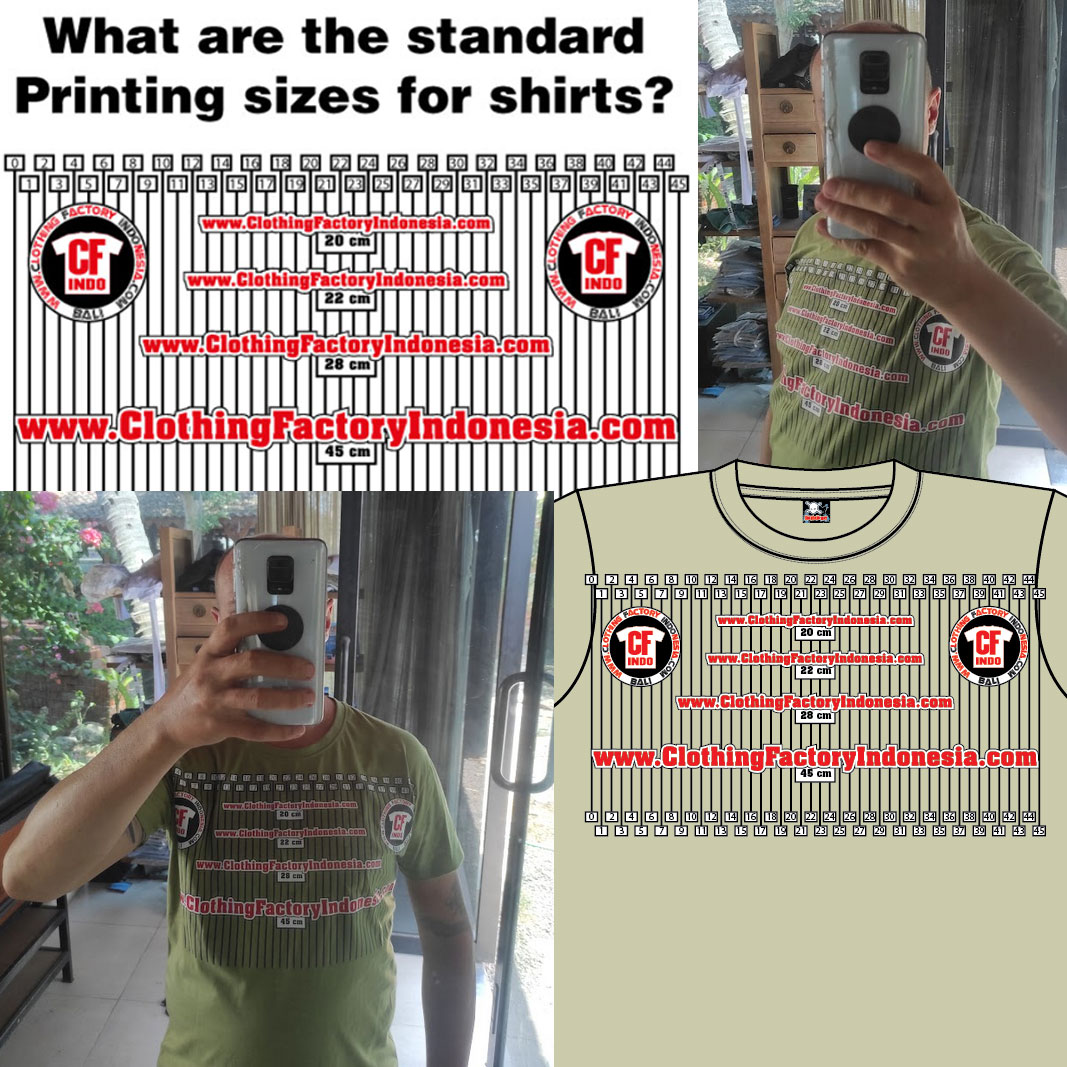 Standard printing sizes on t-shirts20, 22, 28 and 45 cm: the standard printing widths on a t-shirt, and how big they look when the shirt is worn.
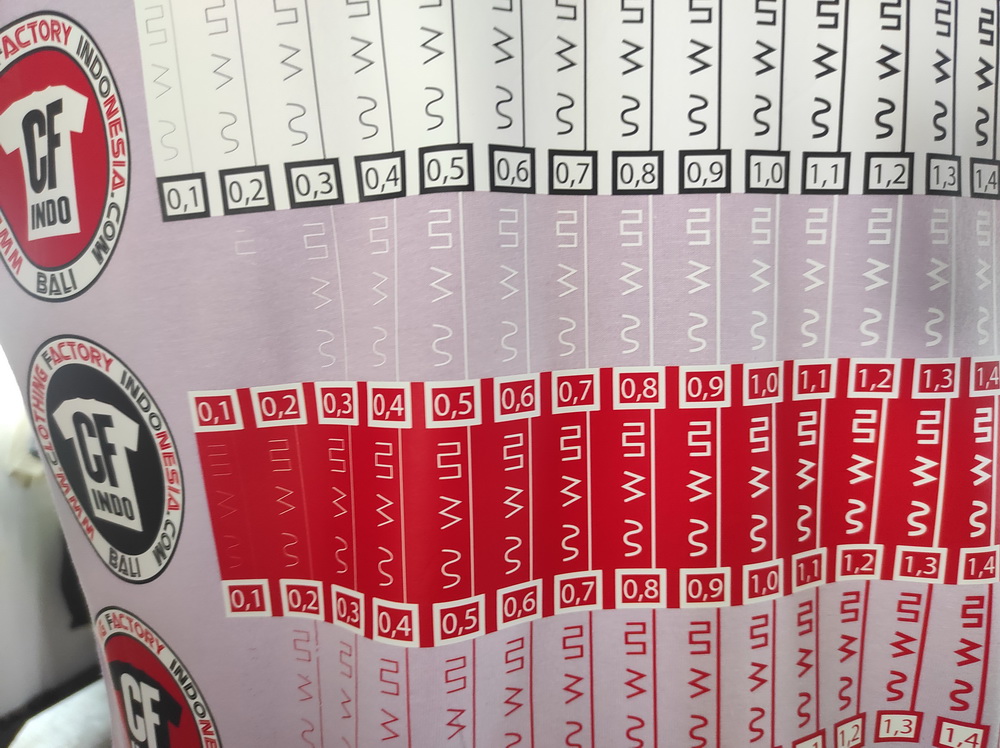 How thin can lines be in DTF printing?Lines of 1 or 2 mm are too thin and the print can break; from 3 mm a line prints well.
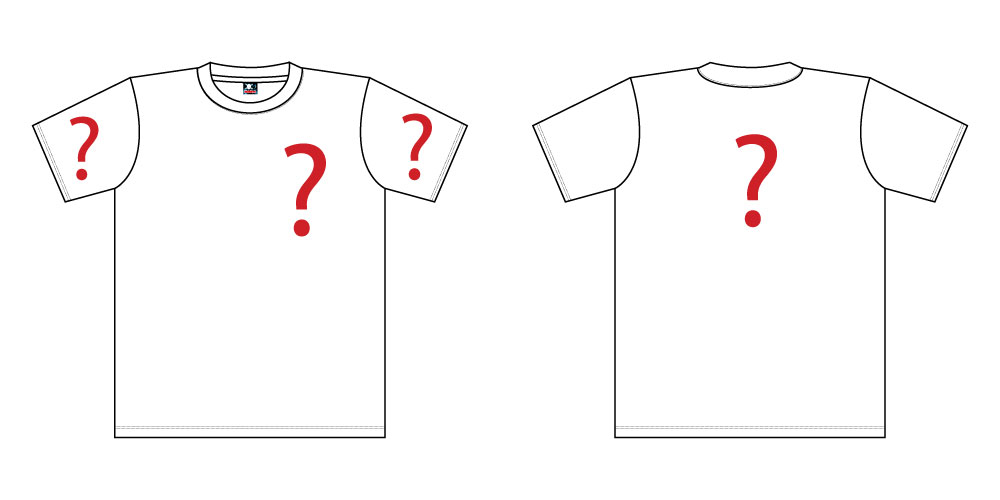 Printing locationsWhere you can print on our shirts: front, back, both arms - almost anywhere, because we print before we sew.
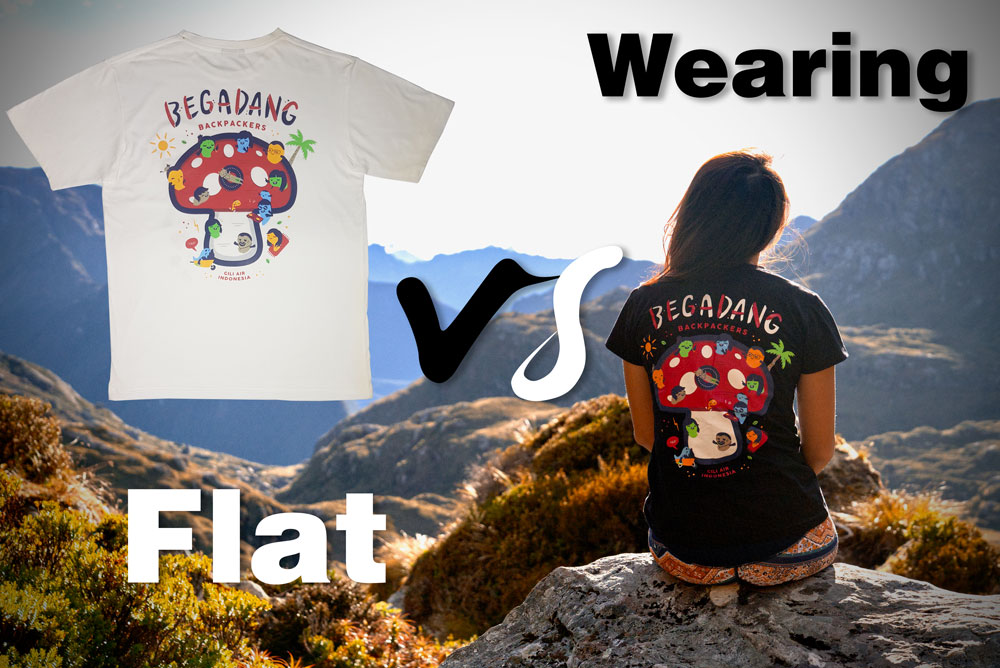 Flat shirt vs wearing a shirtWhy a print looks smaller on our flat pictures than on a person - and the print sizes that look right when the shirt is worn.
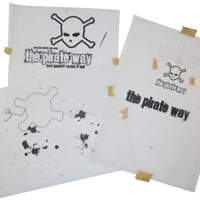 Why silk screen printing starts at 50 shirtsEvery colour needs its own film and screen, made and set up by hand - worth it from 50 shirts. Fewer shirts, or a sample first? We print those with DTF.
- Silk screen printing: the price is per colour
- Your fonts: convert them to outlines, or send us the font
- Designed in Canva? Download it with a transparent background
- The T-shirt 7200 and its sizes: Asian vs Australian sizing
- About our shirt sizes
- Shipping: how we send your order
- Why you book your own delivery in Bali and Indonesia
Questions
All questions →What is the minimum order?
Every garment has its own minimum, shown next to its code and name (for example "min 50 pcs"). The printing method can have a minimum too: silk screen printing starts at the number shown in the list of methods. Below the minimum the order button tells you, and you can choose another garment or method.
What is the code in front of each garment?
It is our product code (SKU). Names can change when a page is translated; the code never does. Use it when you talk to us about a garment.
How do I choose the fabric and colour?
Pick the fabric first - every fabric has its own colours - then click a colour. The name and code of the colour are shown above the colours.
How do I put words or a picture on the shirt?
Click "+ Add text" or "+ Add picture". Drag it on the shirt to move it. Click it to change its words, font, colour, size or turn. Front, back and sleeves can each have as many texts and pictures as you like.
Which pictures can I use?
PNG, JPG, GIF or WEBP up to 10 MB. Use the biggest, sharpest file you have: it is printed at 300 dpi, so a 20 cm wide print needs a picture about 2400 pixels wide to look sharp. The picture editor can remove a background and crop or turn the picture.
How big can a print be?
Each printing area has a largest width, shown under "Width (cm)". Untick "Keep prints inside the printing area" to print wider or past the edge of the area - up to the width of our printing film.
Ready to make your shirts?
Design it online or send us your idea - we reply on WhatsApp.
Our own software
We run our factory and shop with programs we made ourselves - and you can use them too.

Our own Windows program for DTF print shops: gang sheets that never slice a design, colour separation, mockups, orders, clients and bills.
Try PrintOS →
A free app for any shop, on Android and Windows: sell, count your stock, print bills and pay wages. No sign-up needed.
Get BusinessOS →Find shops near you and see what they sell - every shop that runs on BusinessOS.
Find a shop →